







What is a War Room (IT)?
A war room is a dedicated, synchronized response space—physical or virtual—where cross-functional teams gather to coordinate and resolve critical incidents in real time. Also called a “command center,” “incident bridge,” or “crisis room,” war rooms provide a single source of truth for incident status, decisions, and actions during high-severity outages or emergencies. War rooms enable rapid information sharing, eliminate communication silos, and accelerate incident resolution—typically reducing mean time to resolution (MTTR) by 20–40% compared to async incident channels.
Why a War Room (IT) matters
Fragmented communication and isolated decision-making directly extend downtime and business impact during critical incidents. War rooms compress incident resolution by establishing a command structure, preventing duplicate efforts, and ensuring accountability. For every hour of production downtime, organizations lose revenue, customer trust, and engineering cycles spent on firefighting rather than planned work. War rooms shrink that window significantly.
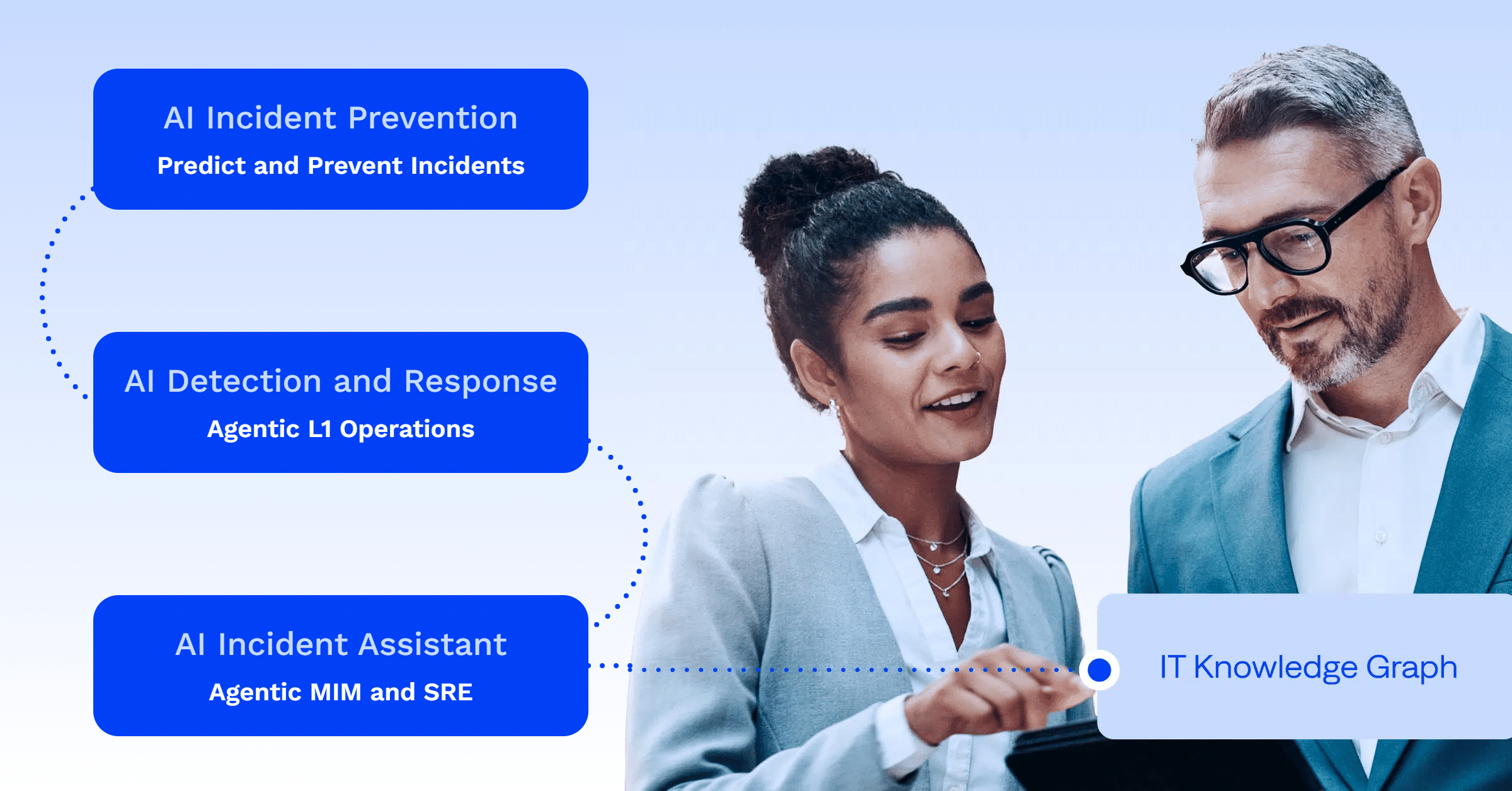
BigPanda perspective: Organizations using BigPanda’s AIOps platform and AI Incident Assistant to automatically aggregate alerts, correlate related events, and recommend that incident commanders see the fastest war room activation times and clearest incident context. When alerts are pre-correlated and root cause data surfaces before the war room convenes, teams skip diagnostic back-and-forth and act immediately.
How a War Room (IT) works
War rooms follow a structured activation and coordination process designed to maximize focus and decision velocity:
- Activation: A critical alert or incident severity threshold triggers war room activation; stakeholders receive instant notification via chat, email, or automated escalation.
- Synchronous communication: All participants join a single video call, shared incident channel, or physical location to avoid async delays.
- Real-time status sharing: A designated incident commander or communications lead updates the room with the current state, impact scope, and resolution progress.
- Parallel action streams: Engineering, infrastructure, and support teams execute assigned tasks while remaining visible to the full group.
- Closed-loop decision-making: Decisions are made in real time with input from all relevant stakeholders, reducing approval bottlenecks.
- Documentation: All actions, decisions, and timelines are captured for post-incident review and blameless postmortem analysis.
Types of War Rooms (IT)
War rooms are deployed in several scenarios, each with distinct triggers and participant sets:
- Severity-based war rooms: Activated only for P1 (critical, customer-facing) incidents that impact revenue or availability; smaller incidents use async incident channels or on-call escalation.
- Proactive/change-related war rooms: Convened before high-risk deployments, major infrastructure changes, or planned maintenance to coordinate and monitor execution in real time.
- Vendor/supplier war rooms: Extended teams including third-party vendors or SaaS provider representatives when incidents affect integrated services or external dependencies.
Key characteristics/components
Effective war rooms share common structural and operational elements that distinguish them from ad-hoc incident response:
- Single communication channel: Unified voice/video call, shared incident channel, or physical space to eliminate fragmentation and ensure no team member misses critical updates.
- Clear role definition: Incident commander, communications lead, subject matter experts, and support staff with explicit responsibilities and decision authority.
- Real-time visibility tools: Shared dashboards, log aggregation, APM data, or monitoring systems visible to all participants—everyone sees the same data.
- Escalation authority: Decision-makers present in the room to approve workarounds, rollbacks, or emergency procedures without delay.
- Time-boxed structure: Defined start, regular status updates (e.g., every 15 minutes), and explicit closure when the incident is resolved.
War Room (IT) vs. Incident channel
An incident channel (Slack, Teams, etc.) is an asynchronous or semi-synchronous communication space where team members post updates and discuss resolution steps. A war room is a synchronous, real-time coordination space where all participants are present simultaneously, making decisions collaboratively and reducing approval latency.
| Aspect | War Room (IT) | Incident Channel |
| Communication style | Synchronous (live call/meeting) | Async or semi-sync (chat) |
| Activation trigger | Critical (P1) incidents only | Any incident severity |
| Decision speed | Immediate; in-room consensus | Delayed by message lag |
| Participant attention | 100% focused on the incident | Divided (notifications, other tasks) |
| Complexity | High-impact, multi-team incidents | Routine or lower-severity issues |
| Documentation | Meeting transcript + blameless postmortem | Chat history is searchable later |
War Room (IT) use cases
War rooms prove essential across multiple incident scenarios where rapid, synchronized coordination directly determines outcome:
- Production outage response: A database failure affecting customer-facing services; all teams (DBA, DevOps, product, support) converge to diagnose and restore service, typically resolving within 30–90 minutes in a war room versus 4+ hours via async channels.
- Security incident coordination: A breach detection triggers a war room with security, infrastructure, and legal teams to contain, investigate, and communicate with stakeholders before reputational or compliance damage escalates.
- Major deployment issues: A rollout causes unexpected errors; engineers, the monitoring team, and product owners coordinate a rollback or hotfix in real time, preventing extended customer-facing degradation.
- Third-party service failures: A cloud provider outage cascades into multi-service impact; the war room coordinates failover, vendor communication, and customer updates across multiple teams.
- Planned maintenance coordination: Before a data center migration or OS patching, a proactive war room ensures readiness, monitors rollout, and coordinates runbooks—catching unexpected side effects in real time.
- Disaster recovery activation: Infrastructure failure or catastrophic data loss requires a synchronized team response to execute recovery procedures and minimize data loss.
Frequently asked questions about War Room (IT)
Who should be in a war room?
Include the incident commander (decision-maker), all engineers who can take action (backend, frontend, infrastructure, database, etc.), the communications/customer support lead, and any business stakeholders who need to approve decisions (e.g., VP of Engineering for major rollbacks). Exclude non-essential attendees to keep the room focused and prevent cognitive overload.
How do you decide when to activate a war room?
Activate for P1 (critical, customer-facing) incidents that impact revenue, availability, or security. Many organizations define a quantified threshold: e.g., “war room for any incident expected to last >30 minutes or affecting >5% of users.” Err on the side of activation early—you can stand down quickly if the issue is minor.
What's the incident commander's role in a war room?
The incident commander directs the response, makes delegated decisions (escalating to leadership if needed), assigns tasks, and ensures status is communicated. They act as the “single source of truth” to prevent conflicting actions and reduce cognitive load on the team.
How do you prevent war room fatigue or false alarms?
Set clear, quantified activation criteria so war rooms are reserved for true critical incidents. Define who has the authority to activate or stand down. Use automated severity scoring (e.g., based on alert source and customer impact) to reduce manual judgment calls and prevent hair-trigger activations.
What happens after the war room closes?
Schedule a blameless postmortem within 24–48 hours with the same team to discuss root cause, timeline, and action items to prevent recurrence. Capture key metrics: time to detection, time to resolution (MTTR), and business impact. Share findings and lessons learned across the organization to build organizational resilience.
How do you reduce MTTR without constant war rooms?
Prevent low-severity incidents from escalating to war room status by investing in better monitoring, alerting tuning, and runbook automation. Pre-empt recurrence by acting on postmortem findings rather than re-fighting the same incidents. Use intelligent incident management tools to auto-correlate alerts and surface root cause context so teams can self-resolve via incident channels without needing synchronous war room activation.
How do remote and distributed teams effectively run war rooms?
Distributed teams run war rooms the same way—on a single video call with all participants screen-sharing relevant dashboards and logs. Ensure every team member has read access to the same monitoring tools, dashboards, and incident timeline. Record the call for async review by stakeholders in distant time zones, and schedule brief async updates on the incident channel between status calls to keep everyone in context.
See also
- AIOps
- Alert fatigue
- Mean time to response (MTTR)
- Root cause analysis
- Incident response
- Change management
Check out more related content

PLATFORM
BigPanda Agentic ITOps
See how BigPanda uses agentic AI in IT operations.