





Introducing the BigPanda Triage Agent and the future of agentic L1 operations

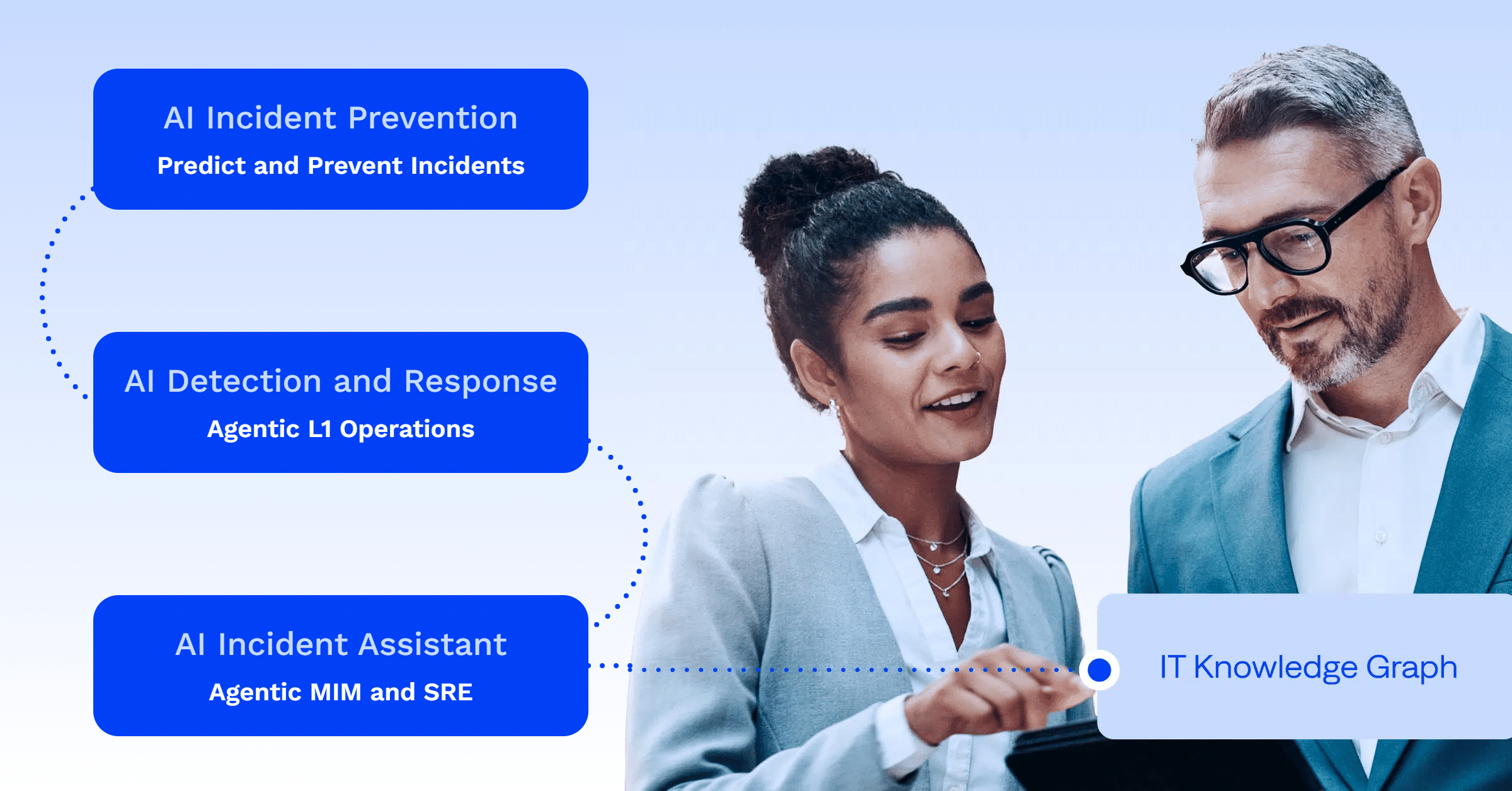
If you’ve been following the development of BigPanda AI Detection and Response (ADR), you’re aware of our mission to automate Level 1 (L1) operations and eliminate the need for manual, time-consuming investigations.
In our last update, we highlighted the manual, complex, and time-consuming processes that hinder modern IT teams. Enterprises spend billions on observability tools based on the false belief that more coverage equals total visibility. Despite these massive spending increases, L1 teams are still overwhelmed by noise. As a result, end-users continue to report 65% of all incidents, often before monitoring and observability can catch the problem.
AI Detection and Response tackles these challenges directly by introducing service desk observability and suggested actions. And now, we’re introducing a new triage agent for IT operations (ITOps) to help L1 teams triage more efficiently and confidently.
The hidden costs of unnecessary escalations
This cascade of premature escalations has serious consequences that can ripple across the entire organization, including:
When an incident is detected, L1 operators are immediately responsible for validating and triaging the issue. As the first line of defense, their duties include confirming the problem and determining the appropriate course of action. Their next actions are either resolving the issue immediately or preparing a well-structured escalation.
To do this, an L1 operator would ideally complete a detailed set of triage steps:
- Correlate noisy observability events to verify what’s happening.
- Check the service desk for end-user reports.
- Check external outages, such as cloud provider status and weather conditions.
- Check historical incidents for similar issues.
- Check known runbooks for documented resolution steps.
- Correlate with other ongoing incidents to determine the blast radius.
- Formulate an assessment of the root cause and impact.
- Execute known runbooks, escalate the incident, or suppress it as needed.
The burden of incomplete triage
In reality, these steps often take longer than the average 15-minute service-level agreement (SLA) timeframe, or the relevant context may be inaccessible to an L1 operator. The triage process is a significant challenge that frequently remains unfinished due to strict time constraints and overwhelming data silos.
To fulfill this triage checklist, operators must:
- Know which tool to use
- Determine the correct dimensions to query on
- Sift through hundreds of results to formulate a confident assessment, all in under 15 minutes
These tasks still require deep, often undocumented “tribal knowledge” that new or less-experienced operators lack. What ends up happening? They usually skip these crucial validation tasks and immediately escalate the incident to an L2/L3 engineer.
The hidden costs of unnecessary escalations
This cascade of premature escalations has serious consequences that can ripple across the entire organization, including:

This entire cycle of manual triage and unnecessary escalation is a human-centric bottleneck in a world of machine-speed incidents. And it’s a cycle that IT teams can avoid.
Announcing the BigPanda Triage Agent
With the rise of agentic IT operations, AI agents can automate manual tasks and help organizations unlock massive efficiency gains. That’s why we’re pleased to announce a new addition to BigPanda AI Detection and Response: the Triage Agent.
The Triage Agent is the next step in the evolution of AI Detection and Response. The Triage Agent orchestrates AI experts, instantly gathering and analyzing relevant data from various sources to streamline the manual validation and triage tasks that bog down the incident response process for L1 teams.
With the Triage Agent, your L1 teams can triage more efficiently and gain access to actionable context, and reduce unnecessary escalations, resources, and costs .
How the Triage Agent works
The Triage Agent takes action the moment an incident occurs. It works by orchestrating a team of AI agents to gather and analyze all relevant information from various sources, helping to validate the incident, surface context, and suggest next steps.
The Triage Agent delivers this context in a single, comprehensive AI-powered summary that instantly shows responders:
- The most likely root cause.
- Other active, related incidents.
- Similar incidents that have occurred in the past, and how operators have resolved them.
- External factors that could be impacting the incident.
- Whether this issue is affecting end-users.
Unlocking context: The Triage Agent’s data sources
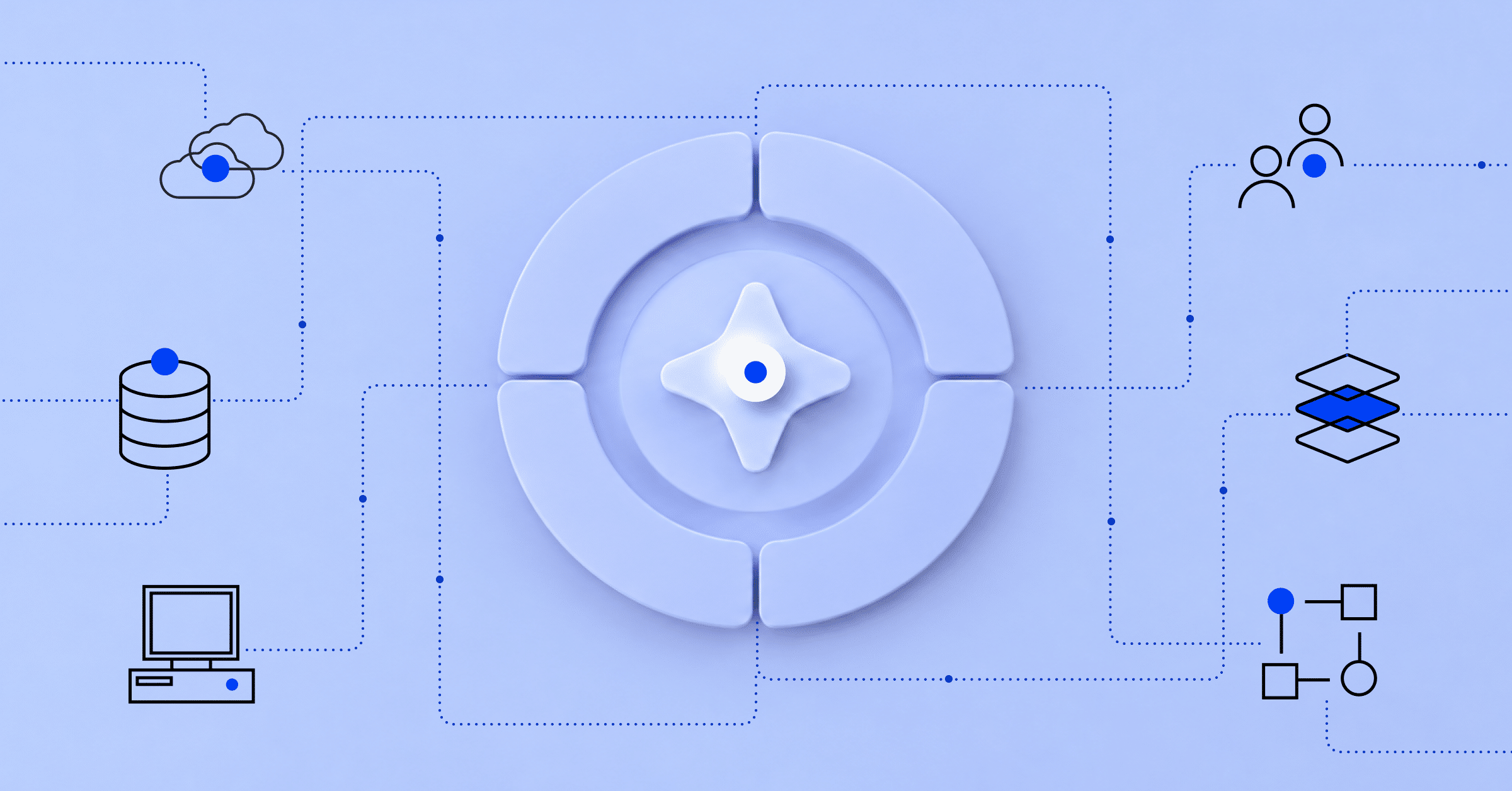
At its core, the Triage Agent relies on the IT Knowledge Graph, a real-time intelligence engine that is purpose-built to enable an AI-first data strategy. The IT Knowledge Graph continuously ingests and connects data buried across fragmented systems and silos across a large enterprise and uses that data to power insights and automation.
This rich, contextual data is used to instantly gather and surface real-time insights that accelerate triage:
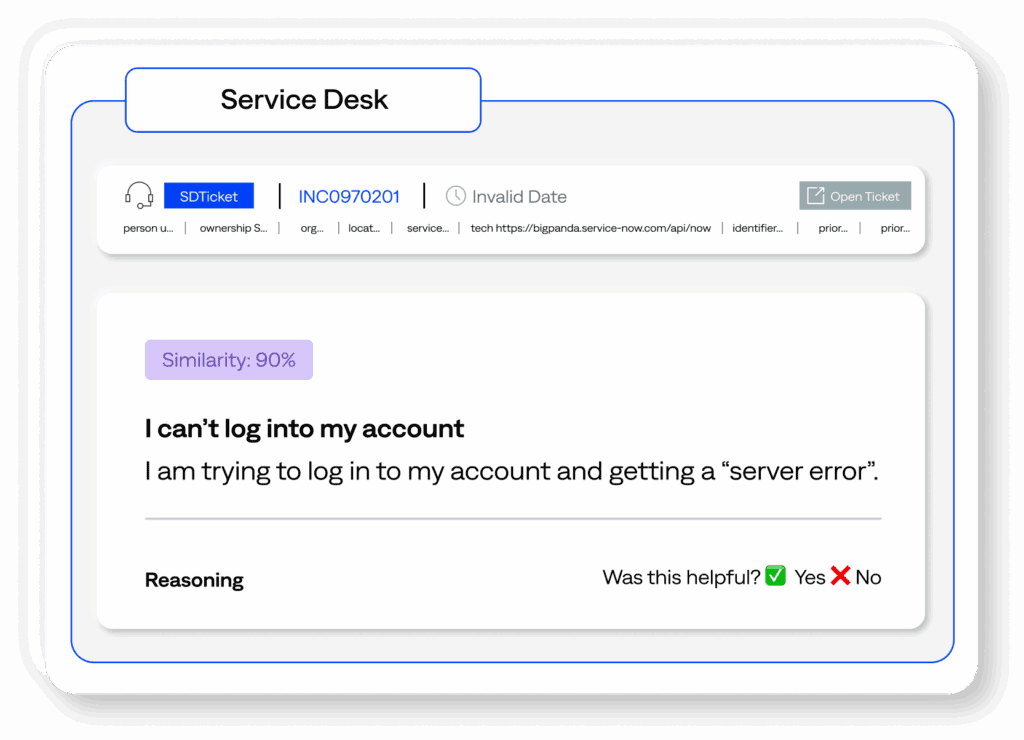
- Service desk observability: The Triage Agent surfaces correlations between the active incident and service desk tickets, providing the network operation center (NOC) team with immediate visibility and helping them prioritize based on end-user impact. Service desk observability eliminates the gap caused by end-users, who often report issues first, and duplicative work between L1 NOC and service desk teams.

- Suggested actions and historical incidents: The Triage Agent analyzes historical IT service management (ITSM) and BigPanda incidents and resolution steps and provides L1 operators with an AI-powered incident summary. This summary contains clear, direct, and concise steps to resolve the incident or escalate it to the appropriate team.
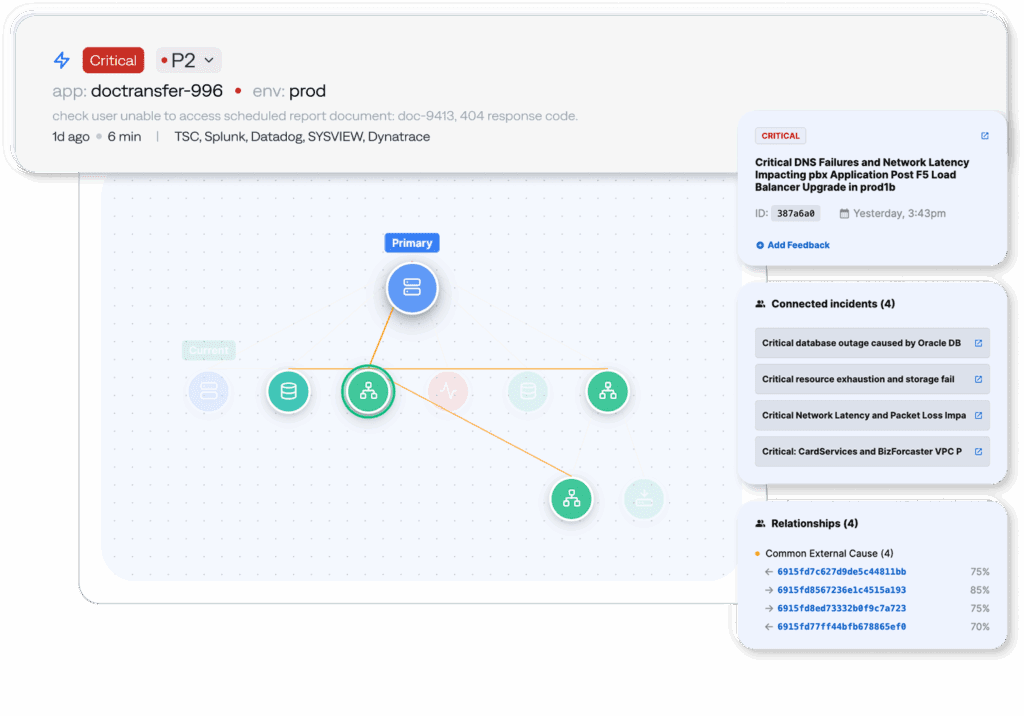
- Incident correlation: Incidents are often related and cause chain reactions across different environments that share similar infrastructure. This new feature utilizes AI-powered correlation to cluster all ongoing incidents together and explain their relationships. Incident correlation provides clear cross-domain visibility, helps determine the overall blast radius of an incident, and leads to faster, more accurate triage.
- External observability: External factors can affect an incident from outside your IT environment, such as a storm that disrupts power, an outage by a cloud provider, or social media reports of an application being inaccessible. The Triage Agent sifts through external observability to determine if an outside factor is causing the issue, improving operator awareness and saving vast amounts of wasted investigation time.
Empowerment and efficiency
The Triage Agent empowers your L1 operators with the relevant context to triage more quickly and confidently, drastically reducing unnecessary escalations and the costs associated with additional headcount.
If escalations are needed, the L1 operators can immediately surface the agentic findings to the L2/L3 teams, avoiding duplicative work and streamlining incident response.
For enterprise IT, AI Detection and Response reduces operational costs by automating manual triage, resulting in fewer SLA penalties, reduced revenue loss, and improved customer experiences.
Are you ready to eliminate L1 investigation toil and slash unnecessary escalations? See how the BigPanda Triage Agent can transform incident response for your enterprise.
These features are available for and being used by select customers today. Interested in being an early adopter? Contact our Account team to schedule a demo and discuss setting up these features in your environment.
Are you ready to eliminate L1 investigation toil and slash unnecessary escalations? See how the BigPanda Triage Agent can transform incident response for your enterprise by booking a demo today.
For customers, contact your account team to discuss setting up these features in your environment.